Top Tips for Using John Deere Operations Center
3/28/2025
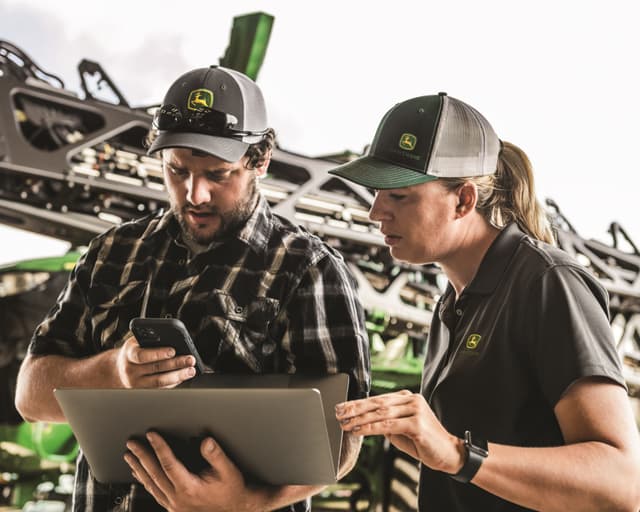
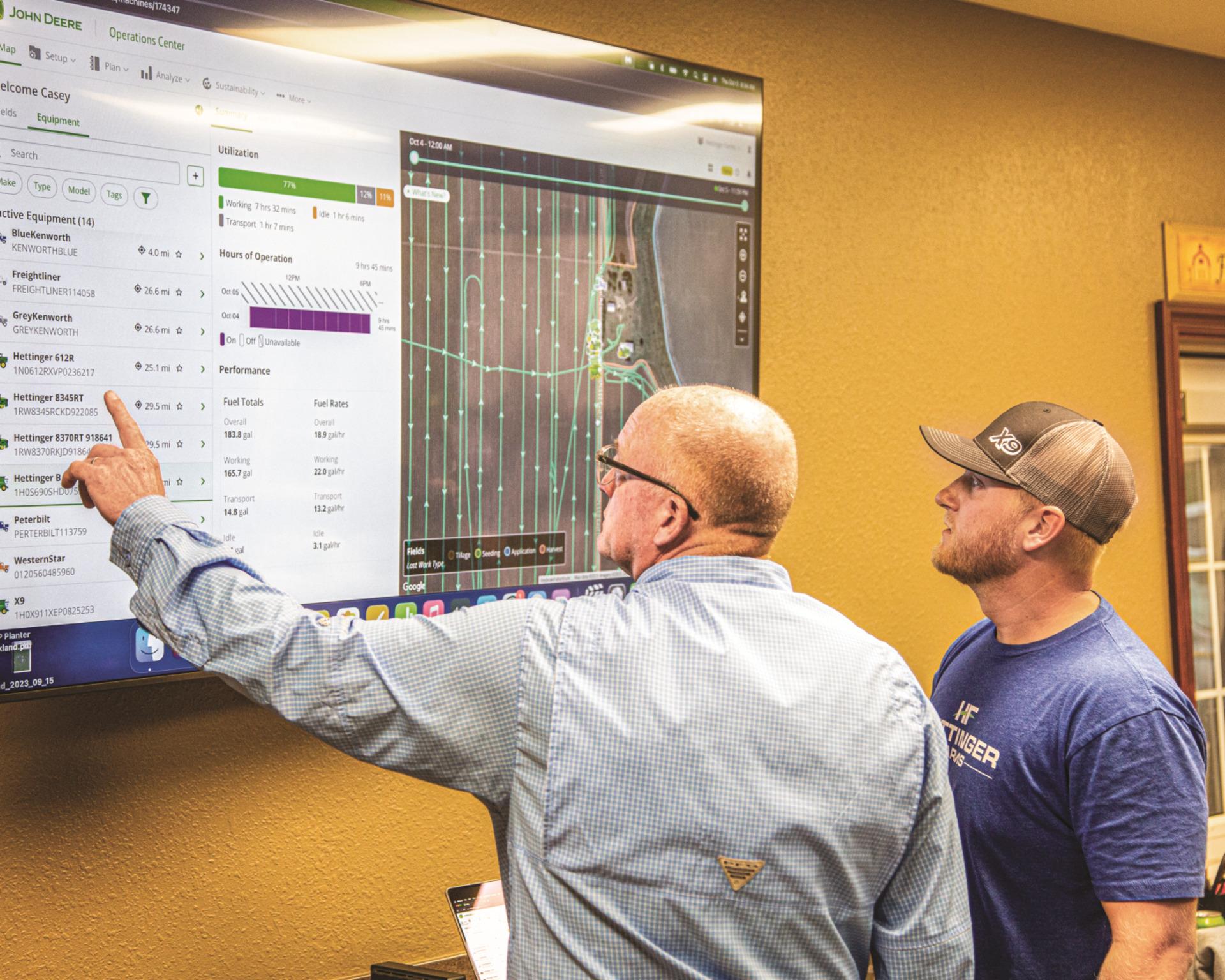
Technology plays a major role in helping farmers maximize productivity and efficiency, especially in today’s fast-paced and busy environment. The question is - how do you manage your entire fleet at once? The John Deere Operations Center is a powerful digital tool enabling farmers to manage their full operations precisely and easily.
Belkorp Ag is a trusted John Deere dealership for the Central Valley of California, and we are proud to support growers with the latest equipment and technology, including compact tractors, utility vehicles, and mowers. Here are some top tips for getting the most out of the John Deere Operations Center and its easy-to-use mobile app.
The benefits of using John Deere Operations Center extend far beyond simple data management. This platform allows farmers to monitor equipment, track field performance, and analyze data—all in real-time. Farmers can use the insights from the data gathered by the Operations Center to make informed decisions that work to boost profits by increasing yields and reducing costs.
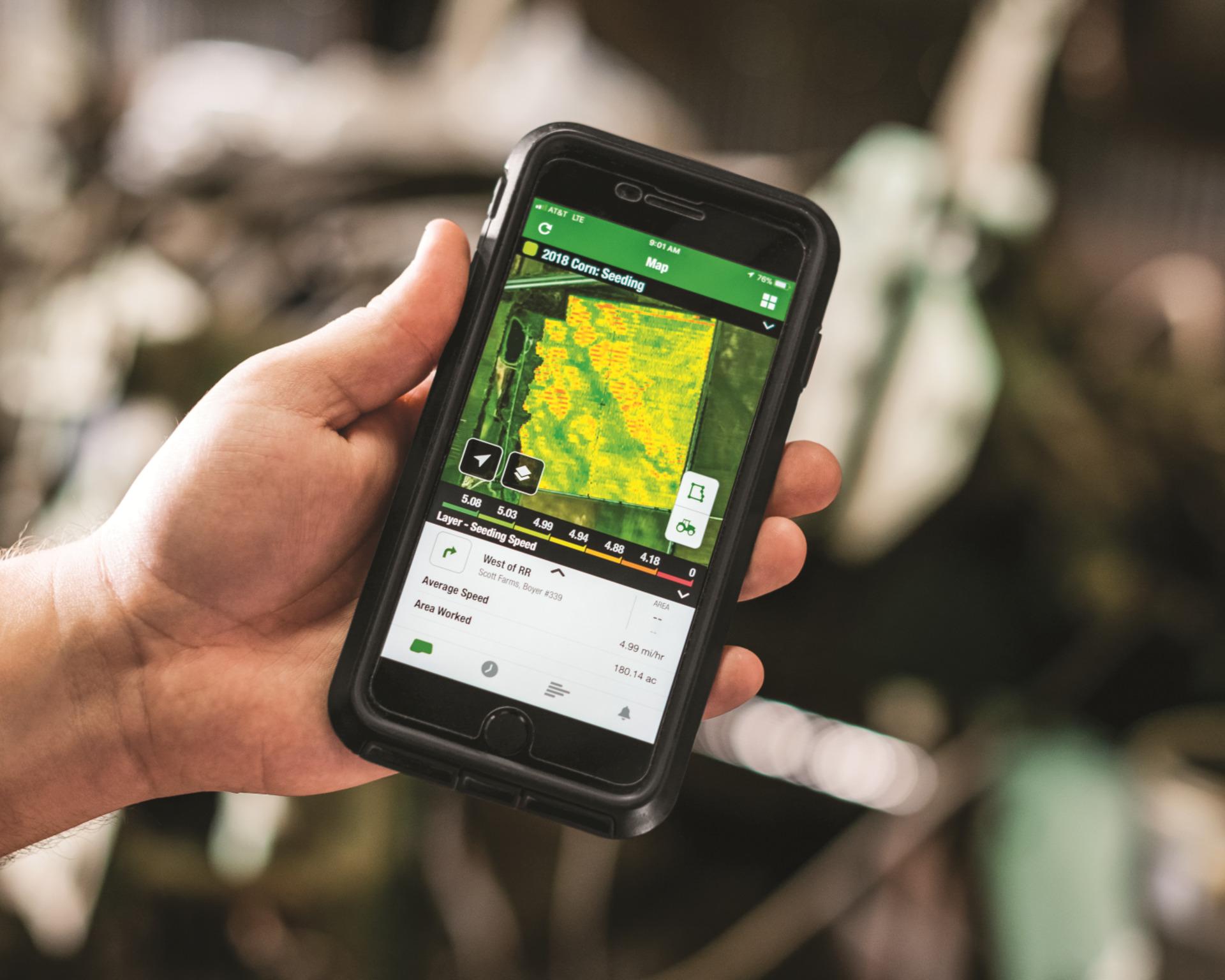
One of the standout features is its ability to connect an entire fleet through JDLink, which enables seamless communication between machines. Whether you’re managing compact tractors or commercial mowers, the Operations Center makes sure all equipment works together efficiently. In addition, the Operations Center Mobile app provides on-the-go access to critical fleet information, allowing you to adjust plans from anywhere.
The Operations Center is designed to simplify farm management by providing a user-friendly interface for tracking and controlling operations. Here are some steps to get started:
1. Set Up Your Equipment: Connect your John Deere machines to JDLink. This step ensures that data from your compact tractors, zero-turn mowers, or Gator utility vehicles flows seamlessly into the Operations Center.
2. Create Field Boundaries: Use the app’s mapping tools to define field boundaries. This feature helps you track work progress and determine the precise application of inputs like seeds and fertilizers.
3. Plan and Assign Tasks: The app allows you to create detailed work plans and assign them to specific machines or operators. For example, if you’ve purchased a commercial mower from Belkorp Ag, you can schedule mowing tasks directly through the app.
4. Monitor Performance in Real-Time: With live data streaming from connected equipment, you can monitor fuel consumption, machine health, and job progress instantly. This is definitely useful for managing large fleets or remote fields.
5. Analyze Data for Future Planning: After completing your work tasks, use the app’s analysis tools to review performance metrics. These insights can help you figure out your strategy for next season.
The John Deere Operations Center app can be downloaded from either the Apple App Store or Google Play Store on Android devices, to maximize your operational efficiency on the go.
Belkorp Ag offers a wide range of John Deere equipment that integrates seamlessly with the Operations Center. Here are some examples of how specific machines can enhance your farming operation:
Ideal for small-scale farming or property maintenance, these tractors can be equipped with attachments for tilling, mowing, or hauling.
Perfect for maintaining large lawns or sports fields with precision.
These versatile machines are excellent for transporting tools, supplies, or personnel around your property.
Sprayers are important for precisely distributing applications like herbicides or pesticides. Connect your sprayer to the Operations Center to monitor where applications have been distributed and in which fields.
By connecting these machines to the Operations Center via JDLink, you can monitor their performance in near real-time. For instance, if a compact tractor requires maintenance while working in the field, you’ll receive an alert through the app. This proactive approach minimizes downtime and keeps your operation running smoothly.
To fully utilize the capabilities of the John Deere Operations Center, consider these additional tips:
John Deere regularly adds new features to the platform. Recent updates include custom alerts for fuel levels and idle time as well as enhanced job site monitoring tools.
Belkorp Ag’s team of precision ag experts can help you set up your equipment and provide ongoing support. Whether it’s troubleshooting the app or servicing your machinery, our team gets you maximum value from your investment.
The Operations Center allows you to share data securely with others on your team. This collaboration can lead to better crop management strategies.
As a premier John Deere dealership serving California’s Central Valley and North Coast regions, Belkorp Ag is committed to helping farmers succeed. Our inventory includes everything from riding mowers to advanced agricultural machinery like harvesters and tractor implements. We also specialize in precision agriculture solutions like the John Deere Operations Center. In fact, we have an entire expert team to help you with all your precision ag needs.
Our team provides unmatched customer service. We go above and beyond—from helping customers set up new equipment to offering maintenance plans that keep machines running efficiently.
The John Deere Operations Center is revolutionizing farm management by turning complex information into actionable insights. By following these tips and leveraging connected equipment like those available at Belkorp Ag — such as compact tractors and Gator utility vehicles — you can streamline your operations while boosting productivity. Visit us today, and let us know how we can help you get set up with the John Deere Operations Center and mobile app!
Contact us at 209-205-3793 or email our sales team at sales@belkorpag.com.